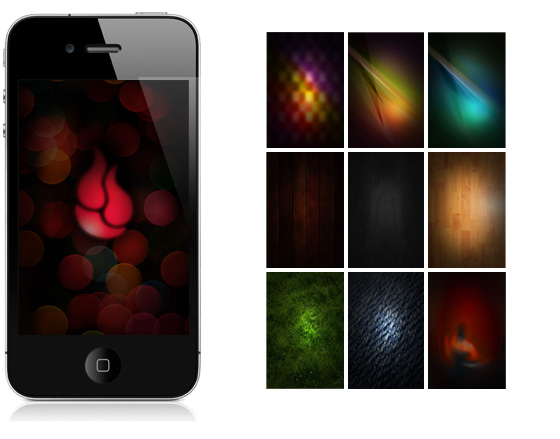
Did you get your new iPhone 4 (or upgrade to iOS 4)?
I created some iPhone 4 Wallpapers (640×960) you may enjoy. They’re free to use.
How to Switch Your Wallpaper:
- Open this blog post on your iPhone.
- Click on the one image you like (including the one with the flame) to open it.
- Click and hold on the image, then select “Save Image.”
- Open Photos, then go to your Camera Roll.
- Click the icon in the lower left corner that says “Use as Wallpaper.”
Enjoy.